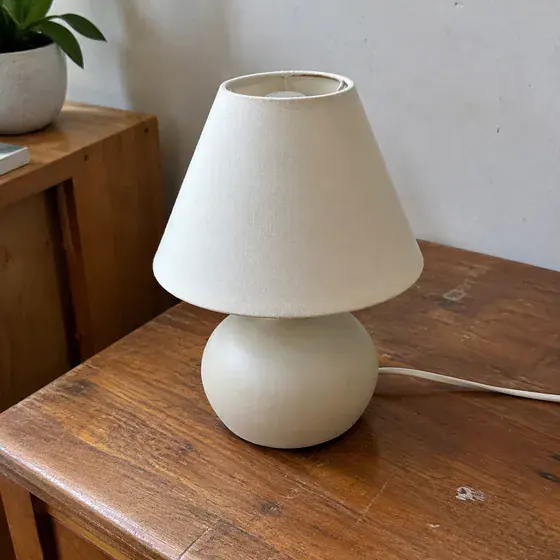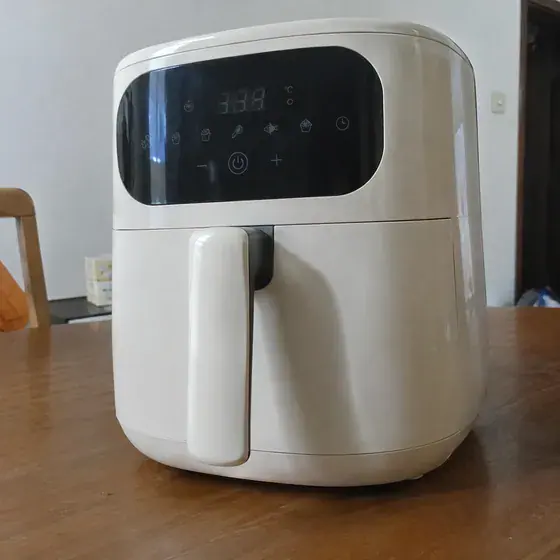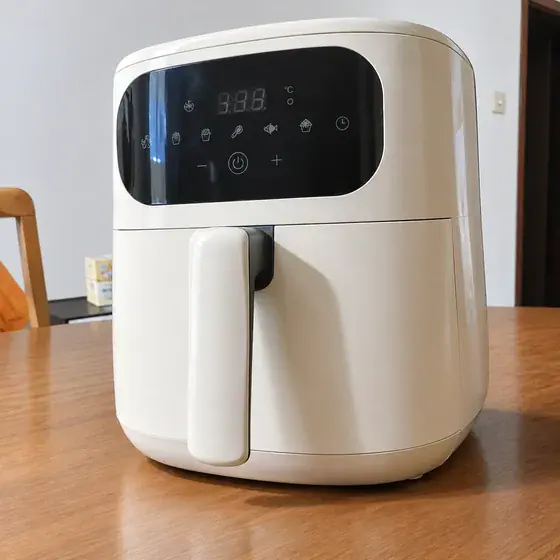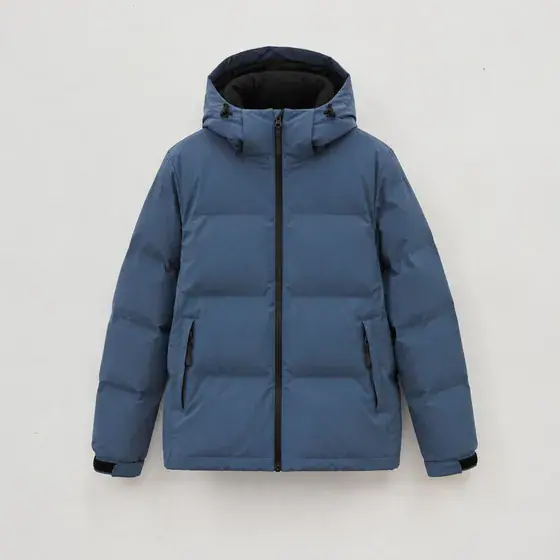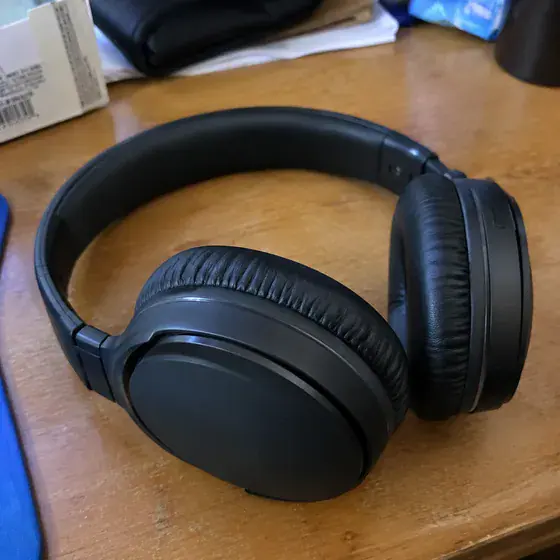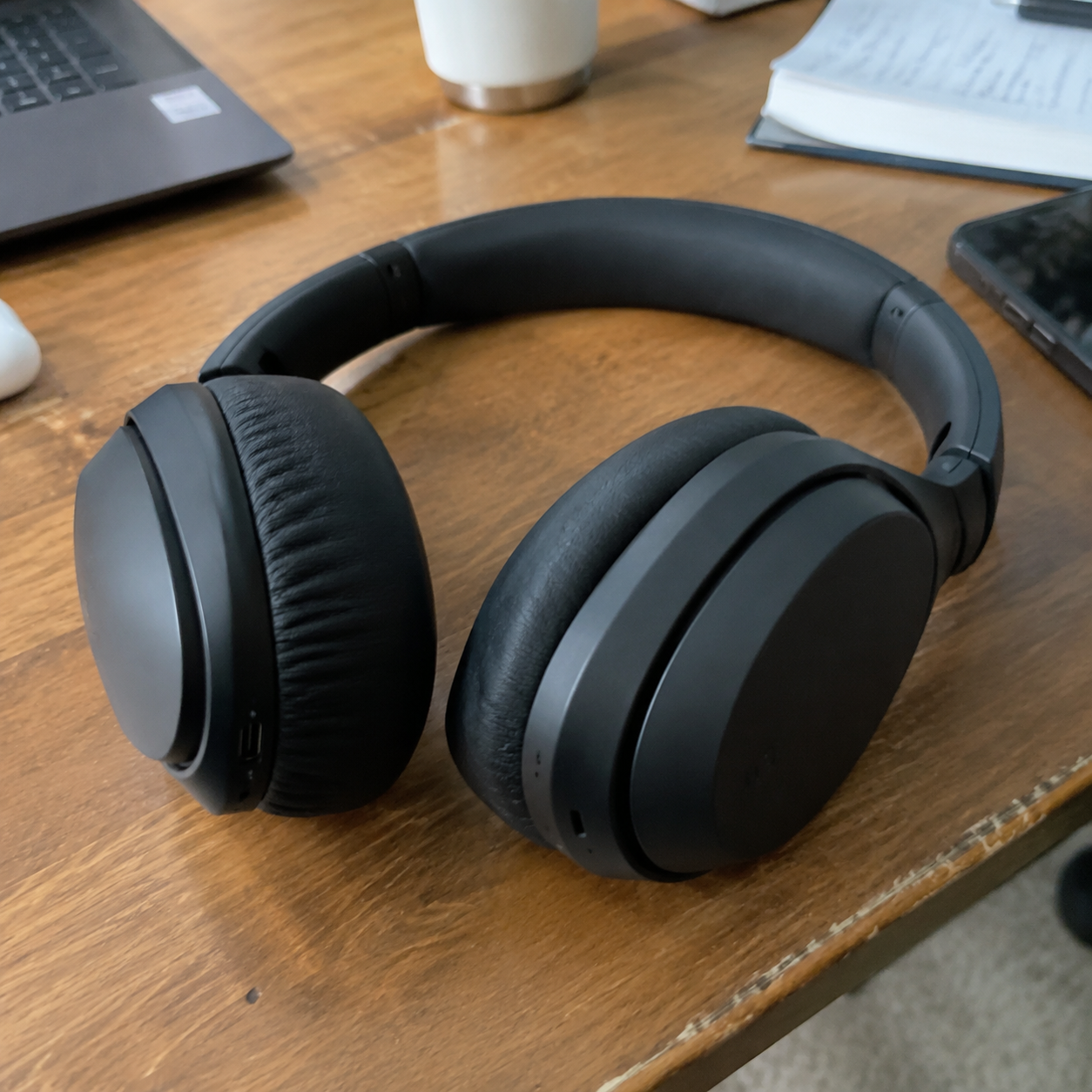
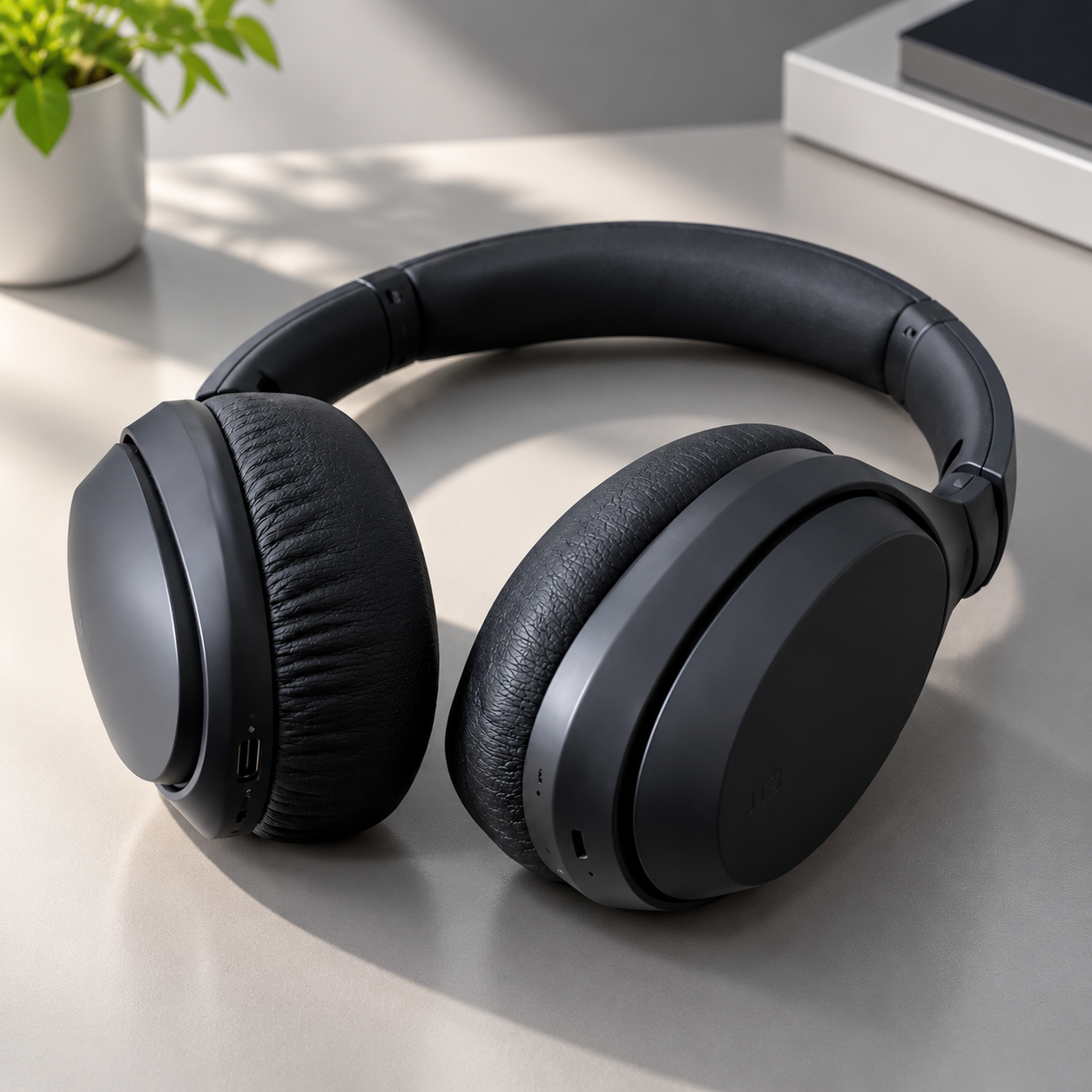
What this workflow creates
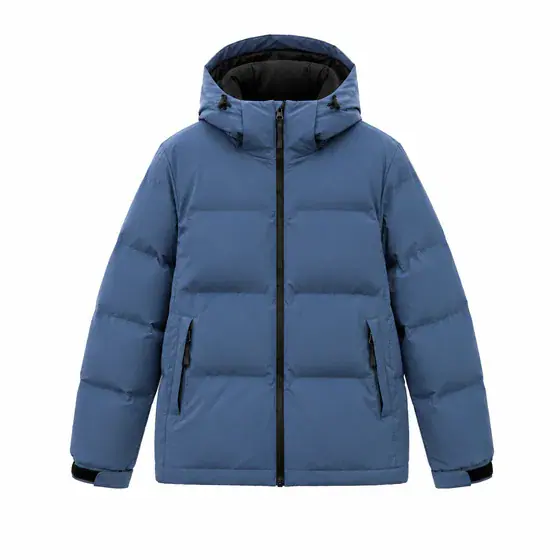
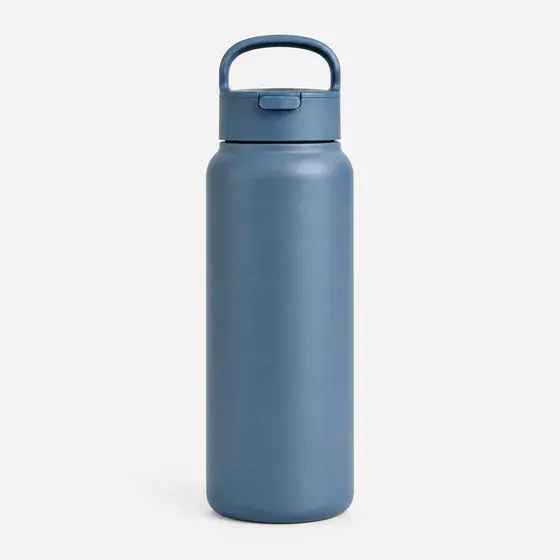
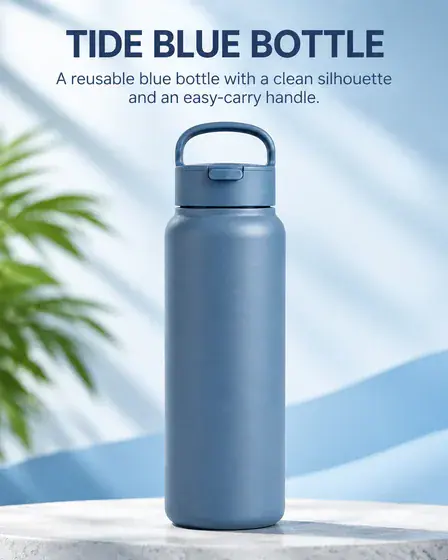
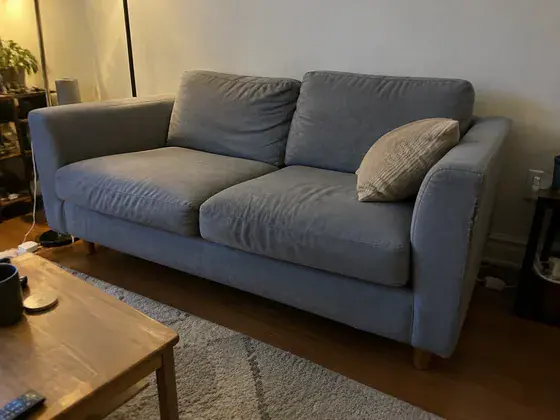
Transform an ordinary photo into a professional studio product shot. One image per request.
- Who it’s for
- Small and medium sellers
- What it does
- Generate backgrounds, surfaces, lights and reflections
- Where to use it
- Product catalog, brand official website
One image per request.
What you need
- Product photoRequired · 1 image
- Provide the original subject
Provide every required input. Add optional inputs only when useful, and mark conditional inputs as applicable only when they apply to this request.
How to use this workflow
Open the generation form
Select “Use this workflow” to see the required inputs. You’ll need to sign in before generating.
Add the required inputs
Prepare: 1 product photo. Complete every required field, add optional inputs only when useful, and mark each conditional input as applicable or not applicable.
Review text and output settings
Choose the aspect ratio, resolution, and quality that fit this use case. The generation form shows the available options.
Generate and review
Select “Generate image,” then review the result and open the full-size image. Check it against the detailed requirements below. One image per request.
Do I need to write a prompt?
No prompt needed—upload the required inputs.
Upload the images listed below; you do not need to add a written prompt. You do not need to write generation instructions. Use the form fields to provide the images, exact copy, data, or description requested by this workflow.
Detailed result requirements
1 product photo
Product source image.
Amazon's attached images can show scenes, angles, and features; Etsy's first image should accurately represent the actual product.
Set the output canvas from the selected platform placement or production template, not from a reference image. Choose the option that matches this request: Studio-level product images working canvas — 1:1 (recommended). Use a different ratio only when a verified placement or production template requires it. If the platform does not require a fixed aspect ratio, use 1:1 as the recommended working canvas for studio-level product images. Compose the subject with appropriate breathing room. Create one aspect-ratio-specific deliverable per request; generate each additional placement as a separate output. Recompose for the selected ratio while preserving the complete subject, all text, and every required safe area. Never stretch the subject or treat cropping important content as adaptation.
No universal public standard is available. Check the requirements of the platform or service you will use.
Remove background, improve angle/light/clarity, add realistic shadows; set quality, scale, branding and prompts.
Minimalist studio background.
Improve lighting and add realistic shadows.
Parameters and selling points should be shown in attached pictures instead of Amazon MAIN pictures.
Etsy recommends high resolution and using sRGB; Google recommends 1500×1500 or above.
No universal public standard is available. Check the requirements of the platform or service you will use.
Etsy requires that you not hide defects or create expectations that are different from the real thing, and usually keep at least one unedited real photo.
Official and platform requirements
No universal public standard is available. Check the requirements of the platform or service you will use.
FAQ
What can I create with this workflow?
Transform an ordinary photo into a professional studio product shot. One image per request.
Do I need to write a prompt?
Upload the images listed below; you do not need to add a written prompt. You do not need to write generation instructions. Use the form fields to provide the images, exact copy, data, or description requested by this workflow.
What do I need to upload?
“Product photo”: 1 image; required. JPG, PNG, and WebP are supported, up to 10 MB per image.
What does one generation produce?
One image per request.
Common search terms
Public evidence and sources
4 directly relevant public sources have been found, and 8 types of specific constraints have been extracted. The following content only restates information that appears clearly from the source; no filling in of blank fields will be made.